How to organize your work with the GTD system in Trello

In short
Trello lets you organize work with the GTD system using boards and lists. We look at how to collect tasks, distribute them by priority and limit unfinished work.
GTD in Trello is a way to organize tasks with the Getting Things Done system using a visual board. Trello lets you collect incoming items, distribute them by priority and track their completion.
In my view, Trello is well suited for working with the GTD system. The recommendation is also based on personal experience.
We covered Getting Things Done in more detail in a separate article.
Why Trello suits GTD
Trello is a visual task management tool based on the principles of a kanban board.
It can be used both for organizing personal affairs and for managing a company’s work processes.
The original material gave an example of applying this approach even to a factory of 400 people.
The main advantage of Trello in the context of GTD is the chance to see tasks and their status on one screen.
Let’s go through how to organize such a system.
Step 1. Visualize your work
To start, create several main lists on the board:
- “Inbox”.
- “Priority”.
- “In progress”.
- “Waiting”.
- “Done”.
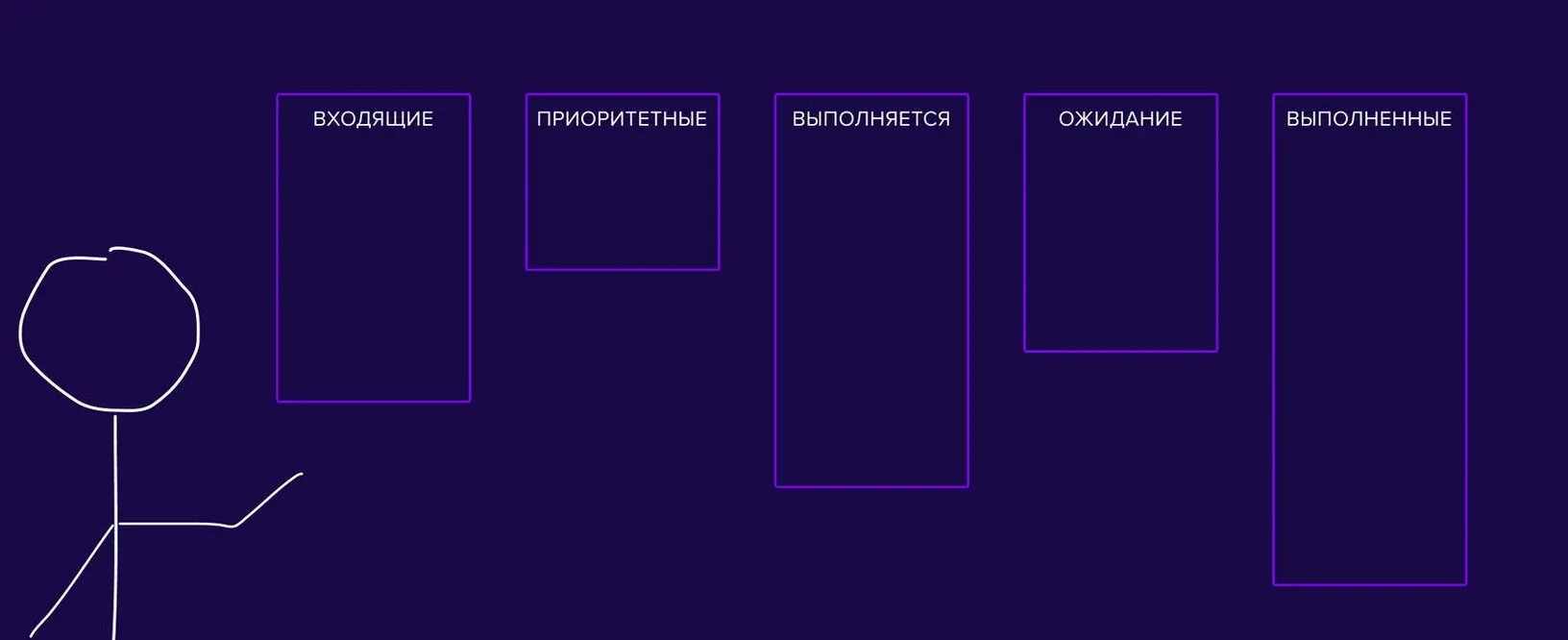
The standard structure of lists.
Such an organization lets you see how tasks move from “Inbox” to “Priority” and then to “Done”.
You can also create the lists:
- “Unfinished work”.
- “Scheduled”.
- “Projects”.
- “Someday”.
They will be needed less often but help store tasks that do not require immediate action.
Trello lets you place several lists on one screen, create tasks inside each of them and move cards between lists.
The original material also described Trello as a free digital tool.
Step 2. Collect information in the “Inbox”
The next stage is to record all ideas and tasks that appear during the day.
Use the “Inbox” list for this.
You do not have to define the priority or deadline right away. The main thing is to save the information so that you can return to it when processing tasks.

An example of a to-do list.
Step 3. Process tasks in GTD
At the processing stage you need to review each item in the “Inbox” list and decide whether any action is required.
Then distribute the tasks to the appropriate lists.
“In progress” — the main tasks you are working on at the moment.
“Priority” — things that must be done in the nearest scheduled time.
“Waiting” — tasks whose completion depends on another person. You can add an owner to understand who the result depends on and to track progress.
“Projects” — multi-step tasks that need more than one action.
“Maybe / someday” — ideas and potential tasks that need more thought.
Some of these tasks may move to priority over time, and the rest can go to the archive.
Step 4. Limit unfinished work
Concentrating on a limited number of tasks helps you give more attention to doing them.
So it is worth setting a limit on the number of items that are in priority and in progress at the same time.
For example, if you plan to do more than five tasks a day, try shortening the list.
Choose the five most important items and temporarily take the rest out of the current plan.
After finishing them, assess whether there is time left for additional tasks. If not, move them to another day.
This approach keeps the working list from being overloaded.
Multitasking deserves special attention.
The original material claimed that 98% of people cannot work effectively in multitasking mode.
The practical advice remains simple: do one task, finish it and only then move on to the next.
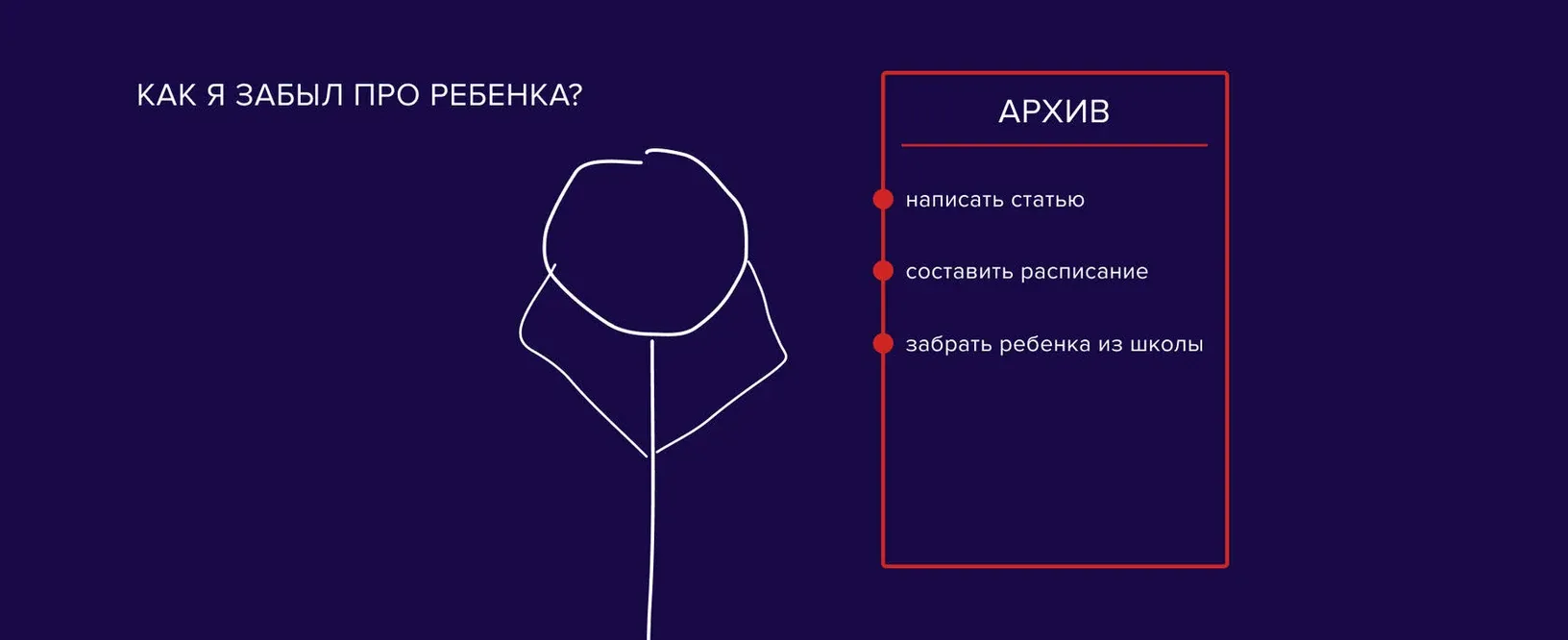
A meme about working with tasks.
Trello helps break large and complex projects into small, more manageable tasks.
If you are interested in the GTD system, you can try organizing it in this app.
In addition, a Getting Things Done template was created for Trello.
You can adapt it to your own tasks and usual workflow.
Questions on the topic
Which lists are needed for GTD in Trello?
The article suggests the lists “Inbox”, “Priority”, “In progress”, “Waiting” and “Done”. You can also create lists for projects and deferred tasks.
How do I process incoming tasks in Trello?
Each task should be reviewed, the next action determined and the card moved to the right list.
How do I limit the number of current tasks?
The author suggests choosing the five most important tasks, doing them one after another and moving the rest to another time.